More than a photo vault
Keep photos, videos, documents, private notes and voice recordings in one place.
 ZeroNet Space
PRIVATE STORAGE, ON YOUR DEVICE
Keep photos, videos, documents, notes and recordings together in an encrypted vault on your iPhone or iPad. No account. No automatic cloud upload.
iPhone & iPad · iOS 17.6+ · Free to start
BUILT FOR EVERYDAY USE
Keep photos, videos, documents, private notes and voice recordings in one place.
Imported content uses AES-256-GCM encryption. Unlock with your password and choose an auto-lock setting.
Use limited guest access when needed. A calculator login interface is optional; it does not replace encryption.
Start with a 75-item media and file allowance. An optional one-time VIP purchase removes the import limit. Device storage still applies. See the App Store for current features and regional pricing.
This is a local vault, not a cloud backup or a redaction tool. Keep your password safe and a separate copy of important files. Sharing or exporting passes content to the destination you choose. Apple purchases and restoration need a network connection.
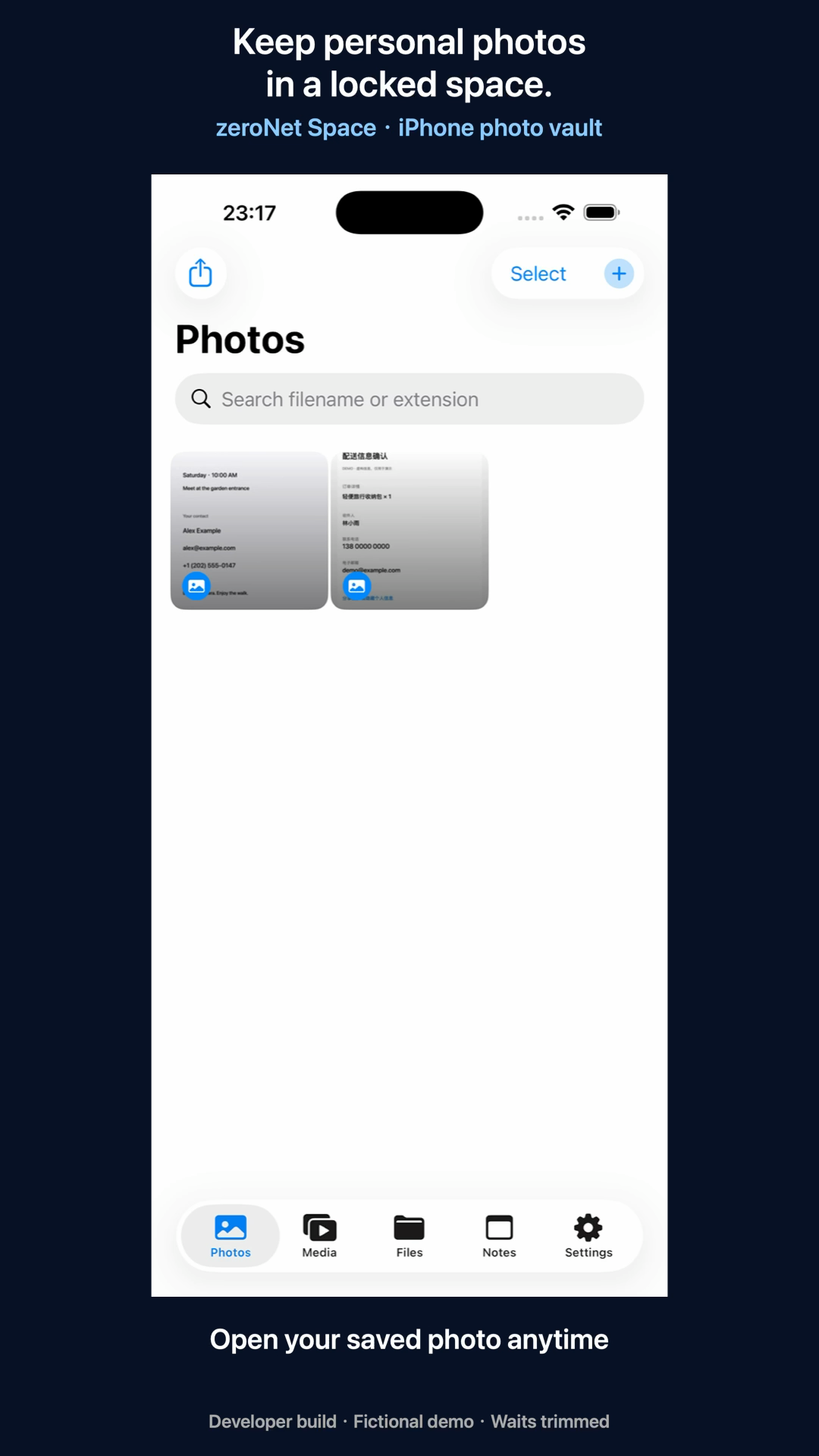
Import personal photos into ZeroNet Space, verify the stored copy and set automatic locking.
Read the guide →Use local encrypted storage for documents and notes, with a clear distinction between storing and redacting.
Read the guide →Save voice recordings and imported audio locally in ZeroNet Space.
Read the guide →ZeroNet Space is an option when you want a separate encrypted place for photos, videos, documents, private notes and audio on iPhone or iPad. You do not need an app account, and personal content is stored on-device without automatic cloud upload or synchronization.
Encrypted storage controls access to a stored copy. Redaction changes what a recipient can see in a shared copy. ZeroNet Space is a local encrypted vault; ZeroNet Redact is a separate photo, video and PDF redaction app. Choose based on whether your goal is keeping a file private or sharing only part of its information.
| Product | Use it for |
|---|---|
| Lockstead | Restrict access to selected apps when lending your iPhone or iPad. |
| ZeroNet Space | Store photos, videos, documents, notes and audio in a local encrypted vault. |
| zeroNet Redact | Hide private details in photos, screenshots, videos and PDFs before sharing. |
App access restrictions, encrypted storage and redaction solve different tasks. Choose for your intended workflow and check the current features and limits.
Read pinned GitHub sources, test definitions and limitations
Explore personal boundaries, device sharing and practical privacy workflows